Email Alerts
Each type of alert, when specified, can also send an email message to any number of specified email addresses. For each alert type for which email is desired, check the checkbox in the email column in the row for the desired alert.
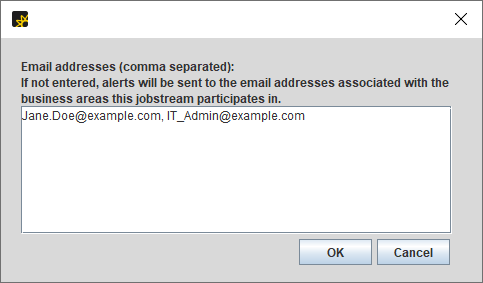
When email is sent for an alert, it is sent to any email address associated to the Business Area(s) of the jobstream. If you want alerts sent to a different address or addresses, click the button labeled email addresses... at the top right of the Alert Criteria tab. The addresses entered into the resulting dialog (see the figure below) will override any addresses coming from the Business Area. For more information, see Add/Edit Business Area - General Tab.
When the email address dialog appears, enter a comma-separated list of email addresses and click the OK button when done.