Click 'Apply' for applying the configuration settings.
The output window shows the installation log. If the installation is successful, you get the Info log entry 'Changed configuration was successfully applied'.
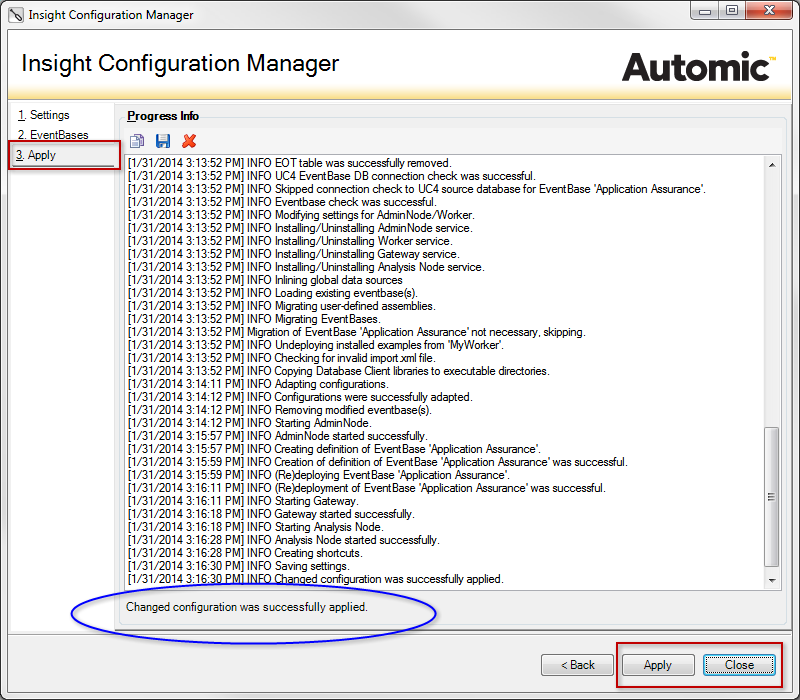
Click 'Close' to complete the installation. The configuration settings are stored in the configuration file 'UC4ICM.ini'. They will be reloaded when the Configuration Manager is started again for changing the configuration.