Login Objects store account credentials used by agents on nodes. Account credentials can be related to single nodes or shared between a set of nodes (E.g. shared account).
Log-In Objects are stored in separate folders for access rights and permission control.
They are linked to deployment profiles to allow tasks to be executed under different accounts for each application and environment.
Login objects are managed and displayed within the Logins main section.
Open Logins main section
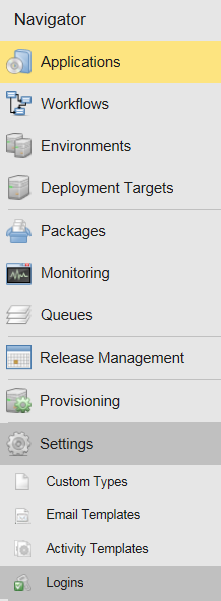
First, open the Logins main section:
See the screenshot below for a quick location of Logins main section.
From the Logins main section, you can view, edit or create Login objects.