Example: Setting Avaloq Job Attributes Using Variables and Automation Engine Scripting
This example illustrates how to set the attributes of an EXECUTEJOB Avaloq job called Test Success that runs in a Workflow. Instead of specifying the job parameters using the user interface, this example shows how to define variables at the Workflow level that the job inherits. The job contains a script that uses those variables to set the job attributes.
-
Create the EXECUTEJOB job.
-
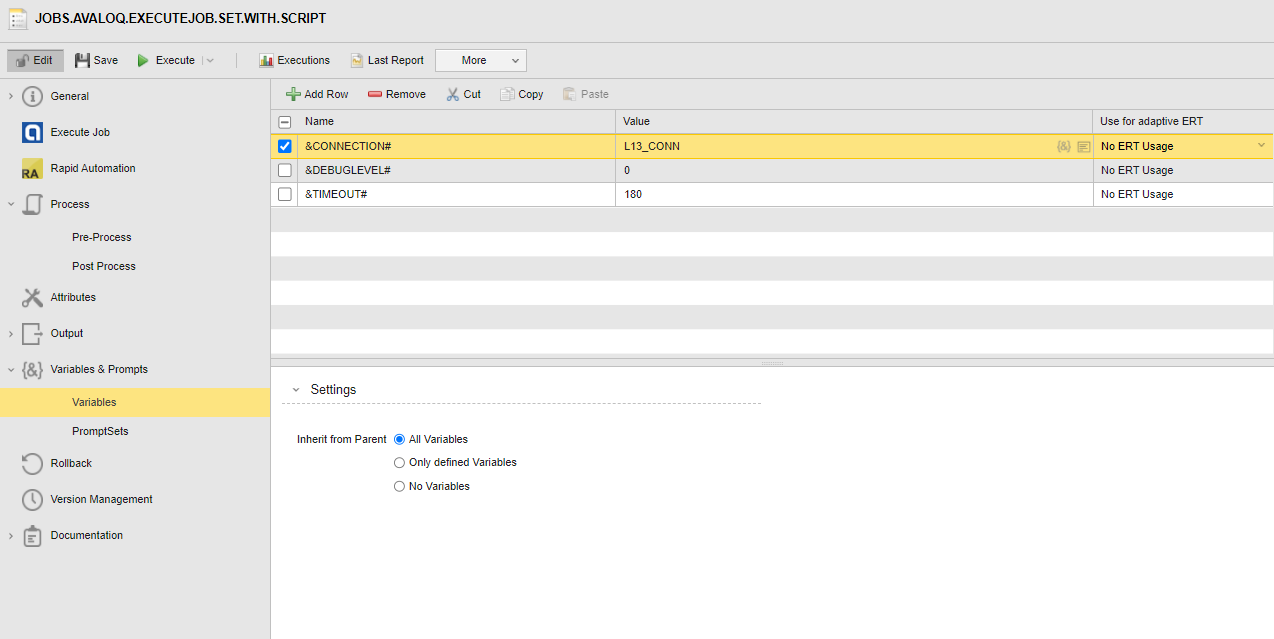
Go to its Variables & Prompts > Variables page and define the variables that will set the attributes as follows:
&CONNECTION# = L13_CONN
&DEBUGLEVEL# = 0
&TIMEOUT# = 180
(Click to expand)
-
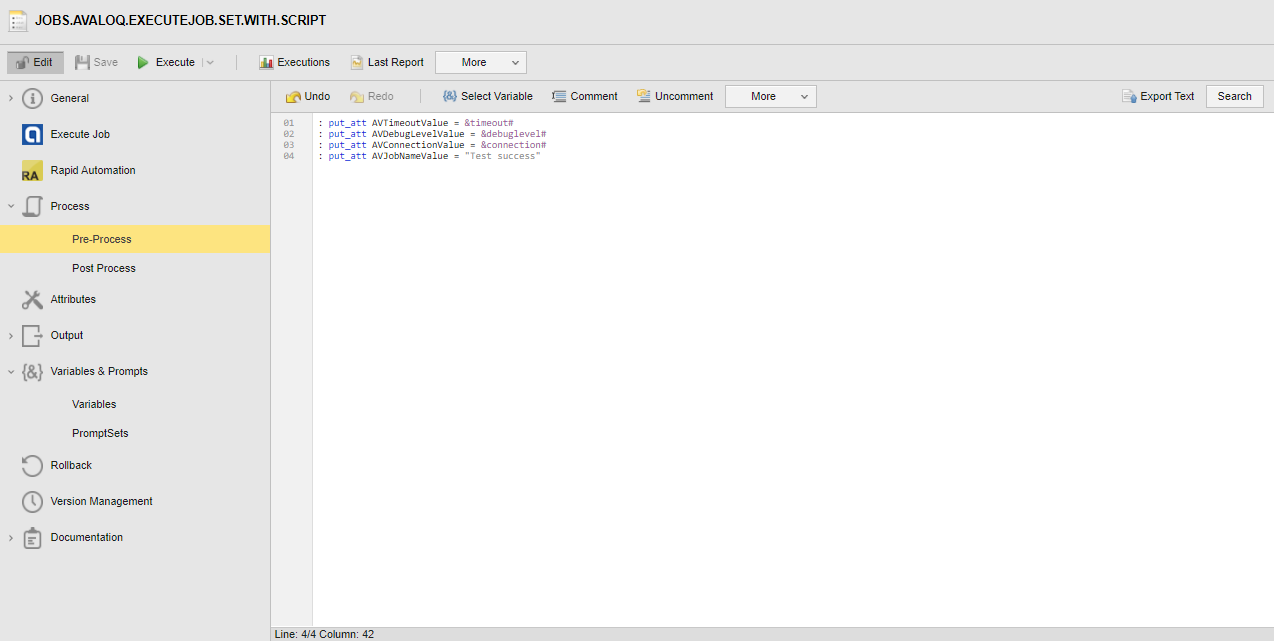
Go to the Process > Pre process page and enter the following script:
:put_att AVTimeoutValue = &timeout#
:put_att AVDebugLevelValue = &debuglevel#
:put_att AVConnectionValue = &connection#
:put_att AVJobNameValue = "Test Success"
-
Save the job.
-
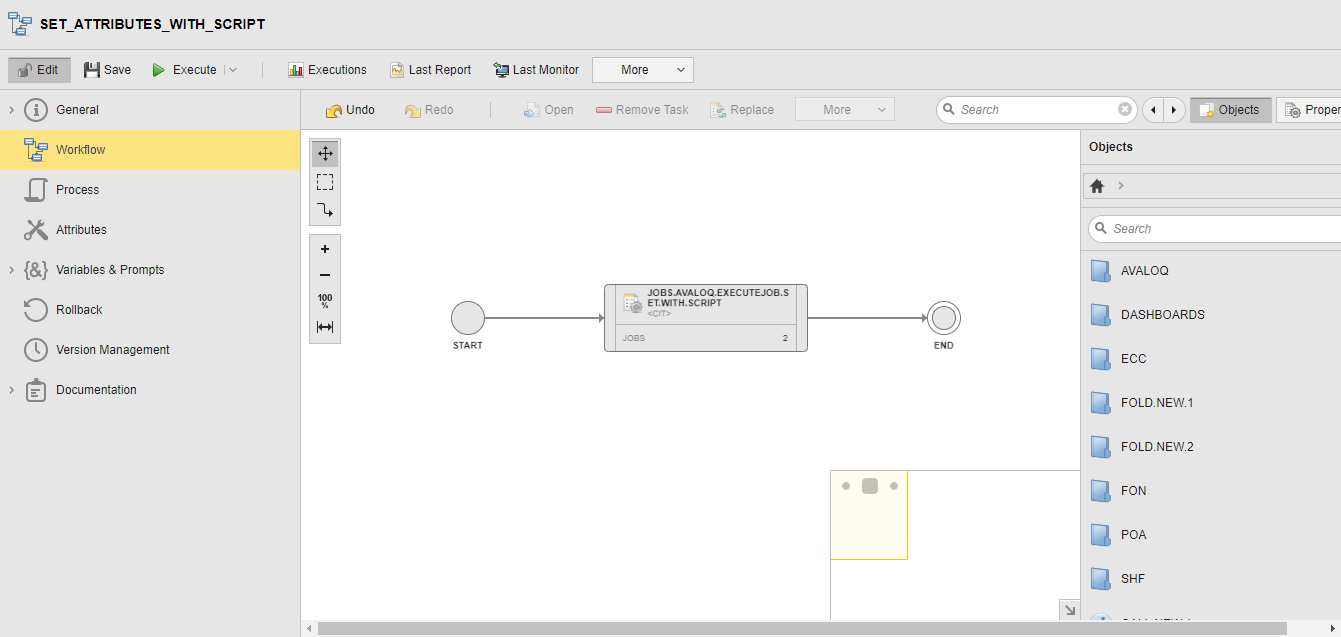
Insert the job in a Workflow
See also:
Setting Avaloq Job Parameters Using Variables and Automation Engine Scripting